
Your ideas deserve
a better canvas.
A lightning-fast, native Windows note-taking app with an infinite canvas, vertical pages, smart math solver, PDF import, and complete local privacy.
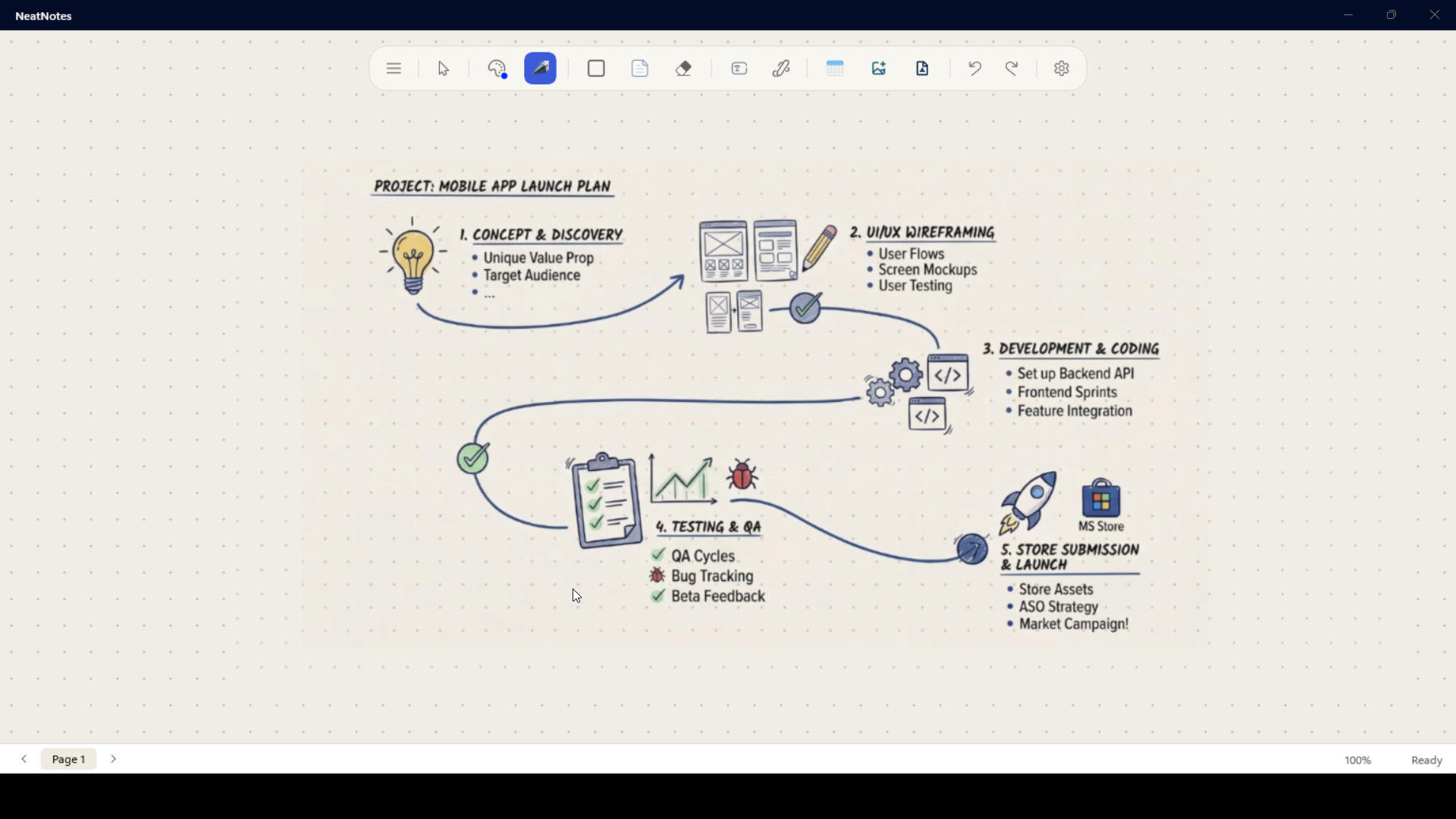
NeatNotes v1.4.0
The biggest update yet. More ways to organize, create, and stay focused.
Vertical Page Layout Mode
Toggle the infinite canvas into a structured physical notebook. A4 pages with a premium desk background, drop shadows, and intelligent auto-pagination. Pages are added automatically as you draw and trimmed when you erase. Manual additions are fully tracked in Undo/Redo.
High-Performance PDF Engine
PDFs are now lazy-loaded from isolated storage instead of being crammed into Base64 strings. No more out-of-memory crashes on large textbooks.
Handwriting to Text
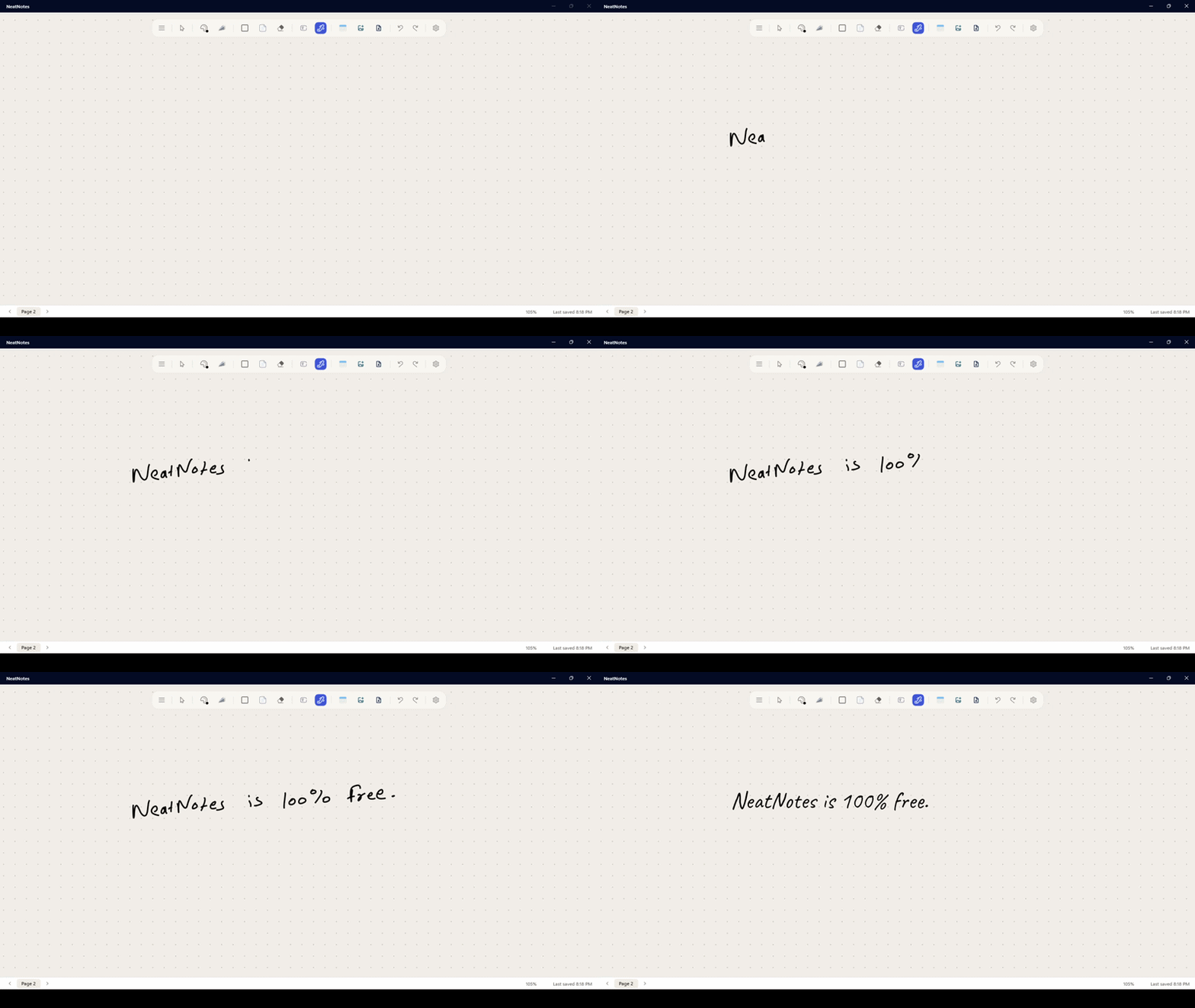
Convert handwritten notes to three beautiful typed fonts. Multi-line formatting preserved perfectly.
Layering Controls
Bring to Front & Send to Back controls in the Smart Menu to arrange strokes and shapes.
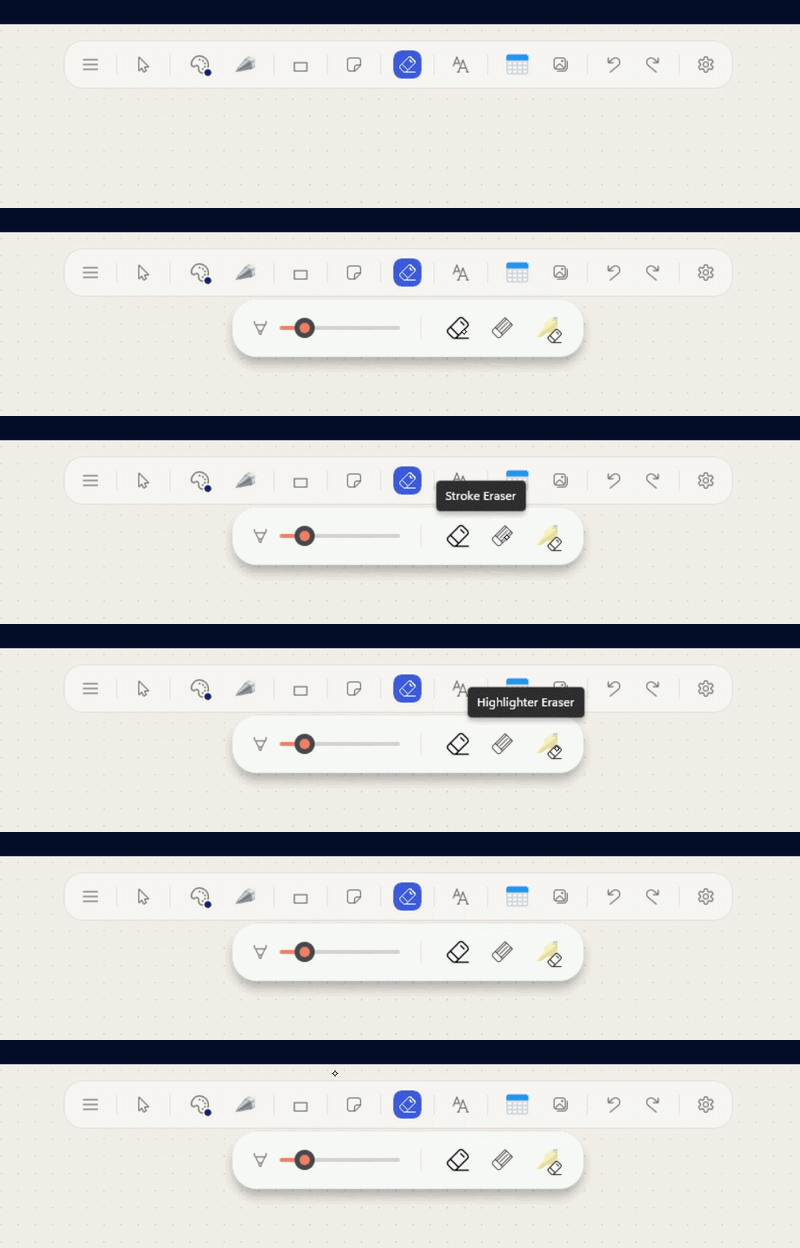
Barrel Button Eraser
Hold the barrel button or right-click with your stylus to temporarily switch to the eraser.
Better Math Graphs
Drag graphs from anywhere, double-click the center to edit equations. Way more interactive.
Using keyboard shortcuts mid-draw can no longer permanently lock the canvas.
Resolved a hard crash in the Undo stack caused by shallow-copying GPU textures.
New notebooks now immediately appear in the sidebar without requiring a restart.
Camera clamping math corrected. No more jitter on large or ultrawide monitors.
Your handwriting,
beautifully typed.
Lasso your handwritten notes, hit convert, and watch them transform into gorgeous typed text — with your multi-line formatting and paragraph breaks preserved perfectly.
-
Three beautiful handwriting fonts to choose from
-
Multi-line structure and paragraph breaks respected
-
Selection boundaries tightly fitted — no wasted space
-
Custom fonts persist correctly after editing
Meeting Notes — Q2
Action items for next week
Follow up with the team
Meeting Notes — Q2
Action items for next week
Follow up with the team
Meeting Notes — Q2
Action items for next week
Follow up with the team
Built for power users
Everything you need to capture ideas, solve problems, and organize your thoughts — natively on Windows.
Infinite Canvas
Pan, zoom, and expand your notes in any direction. No walls, no limits.
Vertical Page Layout
Switch to a structured, physical notebook feel with A4 pages, auto-pagination, and adaptive guidelines.
Native Performance
Ultra-low latency WinUI 3 inking with full pressure-sensitivity support for your stylus.
PDF Import
Import and annotate PDFs without memory crashes. Lazy-loading keeps everything blazing fast.
Smart Math Solver
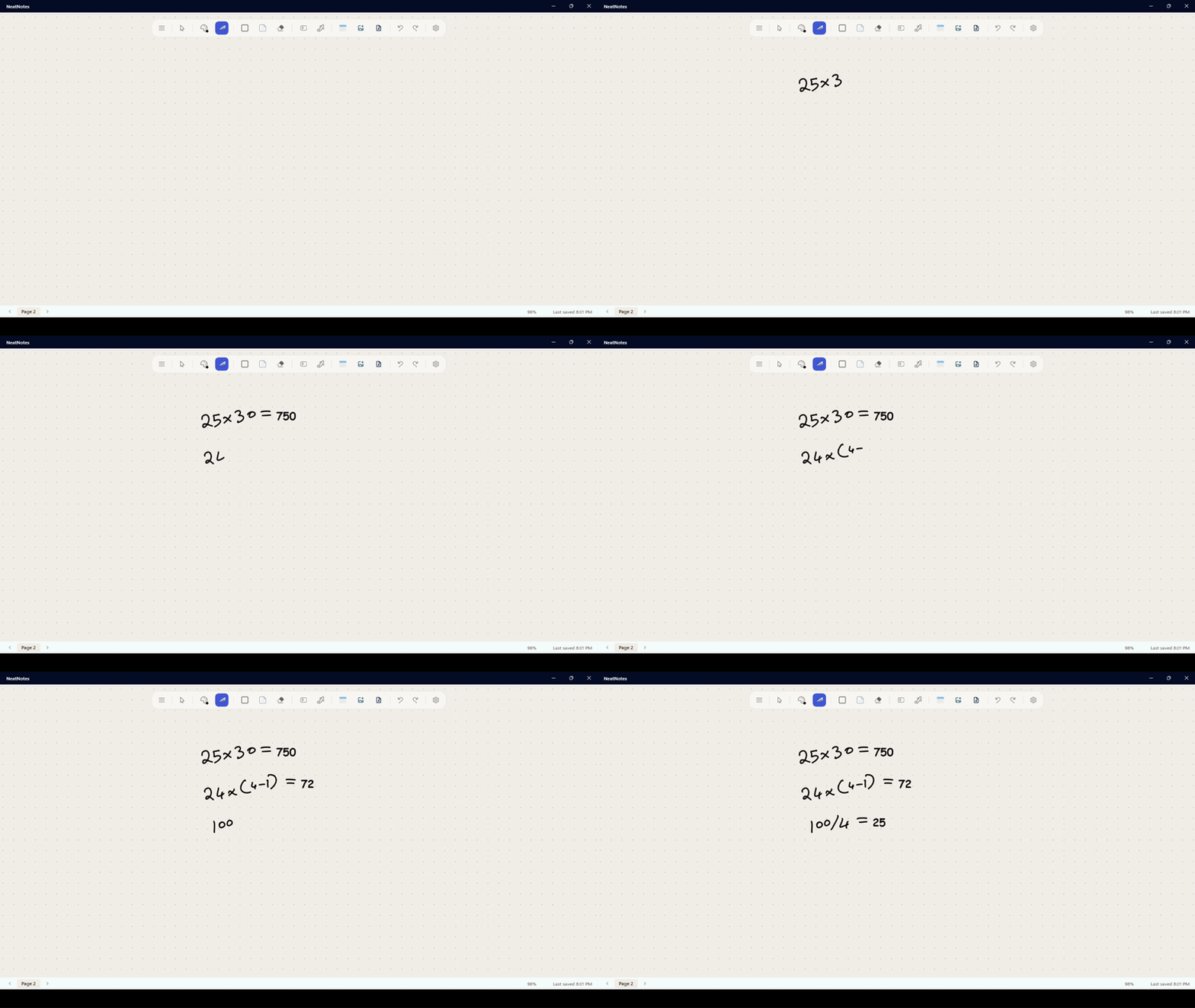
Handwrite any equation, lasso it, and solve it instantly. Plot graphs right on the canvas.
Total Privacy
All files saved locally. No accounts, no cloud, no data harvesting — ever.
Every tool you need.
A pen for every thought.
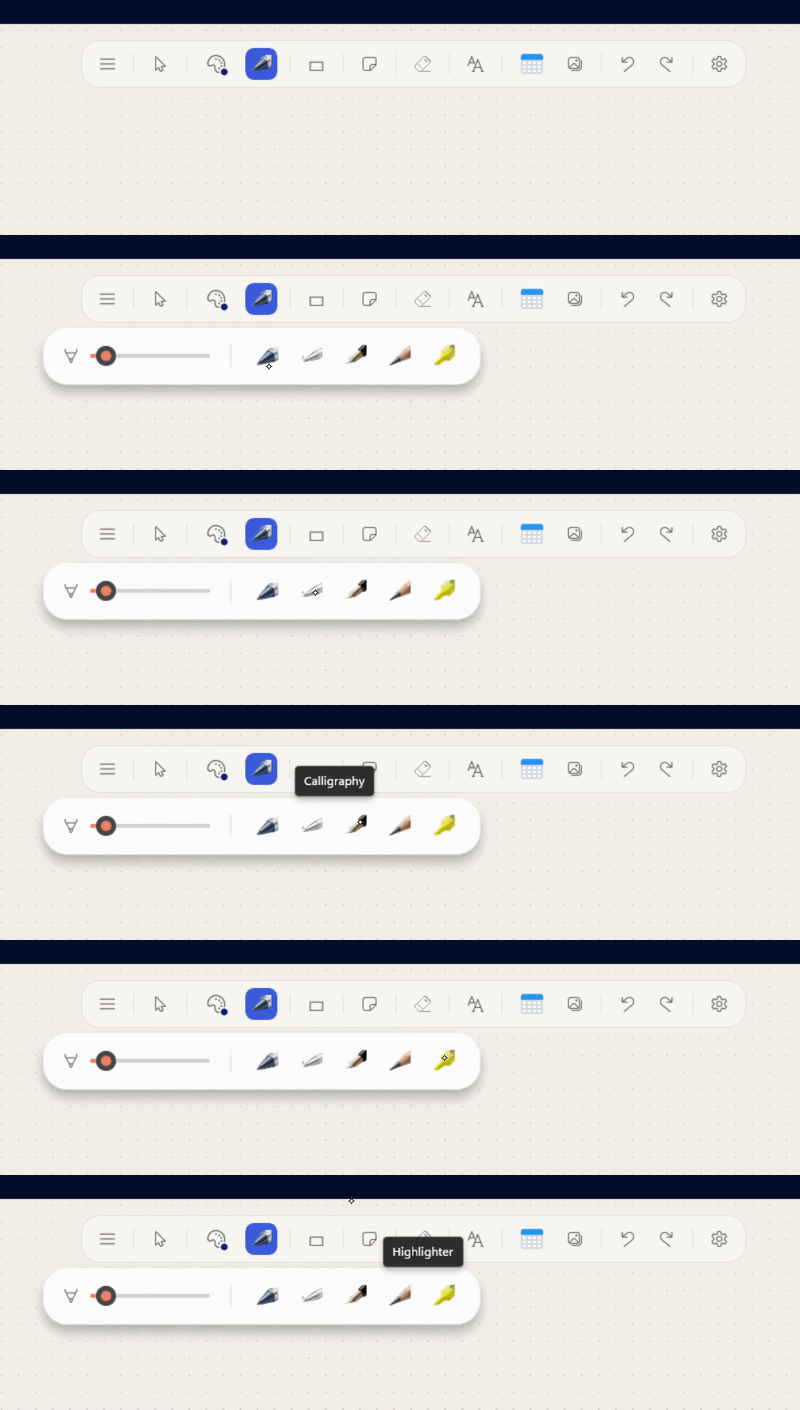
Choose from pressure-sensitive brushes including the Studio Pen, Monoline, Calligraphy, Pencil, Marker, and Highlighter. All with full stylus pressure support.
Total Privacy.
No Cloud Required.
Your notes belong to you. All files are saved directly to your local hard drive. No subscriptions, no accounts, and absolutely no data harvesting.
Read our Privacy Policy